Pick your moments.
Select photos in the order you want them. Your sequence stays the same, from the first picture to the last page.
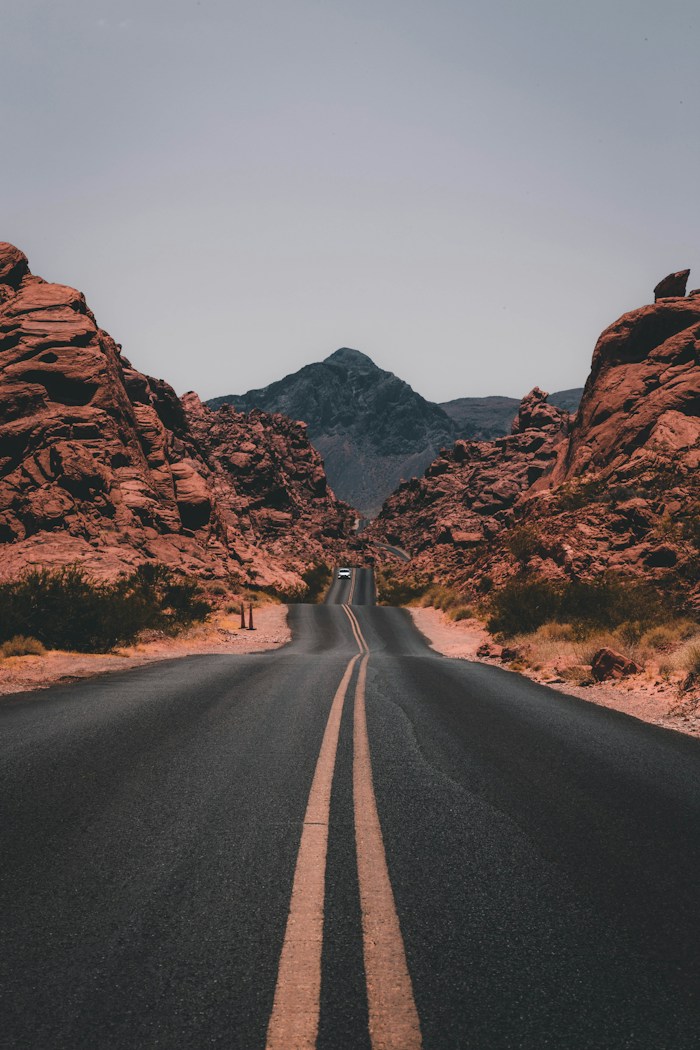
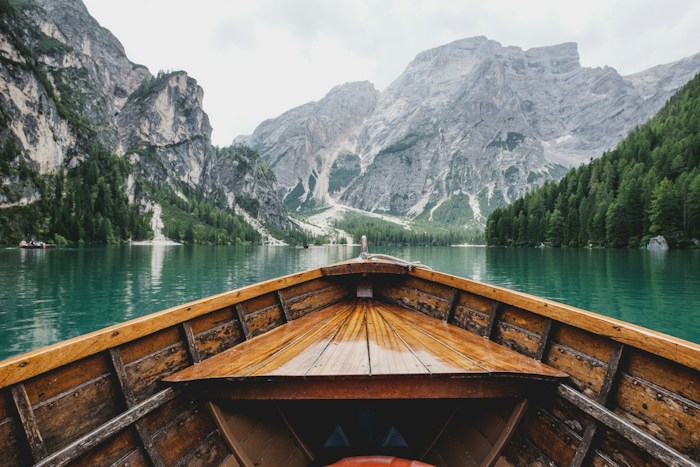
 ✓
✓Turn a camera roll into something worth keeping. Arrange your photos on tidy A4 pages, then save, share or print your PDF.
good days, kept.A visual record of the site, surroundings and access route.
02 / ObservationsIllustrative examples · Insert exported PDF pages using your report editor.
No dragging photos around a document.
No guessing where the next one goes.
Select photos in the order you want them. Your sequence stays the same, from the first picture to the last page.
✓Choose from seven layouts, with 4 to 16 photos per page. Every image keeps its proportions, with no cropping.
Preview your A4 PDF, save it to Files, share it with someone, or open the iPhone print menu.
Give a few favourites room to breathe, or bring a whole collection together. Two clean columns. Seven ways to make it yours.
6 photos per page — a little detail, a little overview.
An interactive layout demo using sample photos.
Keep trips, family days and favourite moments together on a page.
Arrange photos on A4, export the PDF, then insert the pages into an inspection, project or progress report.
Turn inspection images, project progress and before-and-after photos into organised PDF record pages, ready to insert into your reports.
Bring visual references and classroom photos out of your phone and onto paper.
Arrange and preview for free. Watch one ad to unlock your current PDF export, or choose an ad-free plan.
A$0.99/ 3 days
72 hours of ad-free arranging.
One payment. No auto-renewal.
A$7.99/ month
For the photos that keep coming.
Ad-free while your plan is active.
A$79.99/ year
A year of ad-free photo sheets.
Save A$15.89 versus 12 monthly payments.
Planned Australian pricing. App and purchases are not yet available. Monthly and yearly plans auto-renew.
Final local prices and terms will appear in the App Store before purchase.
No. Each photo fits inside its space while keeping its original proportions. Portrait and landscape images remain complete; some white space is normal.
The current app makes portrait A4 PDFs in two columns. Choose 4, 6, 8, 10, 12, 14 or 16 photos per page. For small details, use 4 or 6; for an overview, try a denser layout.
No. PDFs never contain ads. Free users choose to watch one rewarded ad before exporting. Retrying the same selection and layout during the current app session does not require another ad. All three paid plans allow direct export while active.
The current app arranges photos and generates PDFs on your iPhone without an account or photo upload to an app server. Advertising services have separate data practices; the app's release privacy policy will explain these before launch.
PrintPhotosToPDF is being prepared for release. An App Store download link will be added here when it is available. In the meantime, try the layout preview and download a sample PDF above.
From your iPhone. To a page. Ready for whatever comes next.